
20 Pitching Tips You’ve Never Heard Before: Make Your Startup Stand Out
Everyone hates a boring presenter. As a startup founder, presenting your company in front of an audience can be nerve-wracking. But it’s also an opportunity to showcase your vision, build your brand, and attract potential investors or customers.
This year, it will be 10 years since I have trained countless startup founders on pitching in front of a crowd for Demo Days and other various startup pitching competitions. To celebrate these 10 years, I thought I would share some of the advices I tend to repeat every time I train a new one.
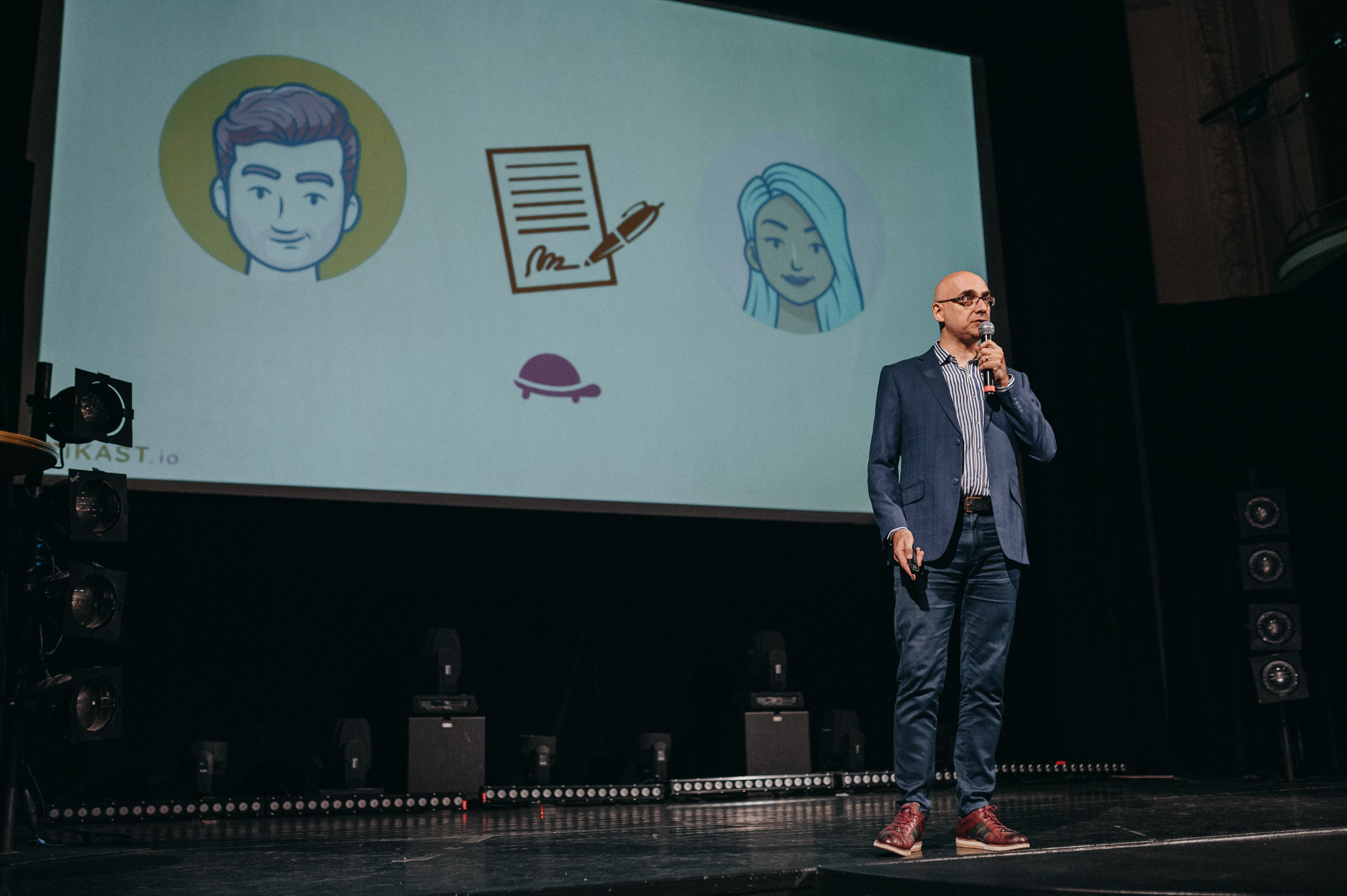
1) Explain, don’t pitch.
I don’t know what pitching means but I know what explaining something interesting means. That is your mindset for the next minutes while on stage. Instead of approaching your presentation as a sales pitch, think of it as an opportunity to explain something interesting. Your tone of voice will change, and you’ll speak more naturally and confidently.
2) Don’t waste time talking about you.
Nobody cares that your name is John Doe and that you are the CEO and co-founder of ACME. Instead, put your name and title on your first slide under your company logo and keep it on screen as you walk on stage.
3) Start with positivity.
Instead of saying who you are, begin your presentation by expressing your excitement to be there. Even if you’re nervous, saying you’re happy to be there will trick your brain into feeling more relaxed. Also, for the people in the room it is nice to see a happy person.
4) Be bold.
Grab your audience’s attention from the start by jumping directly into your topic with an interesting or shocking fact. The more emotionally charged the fact, the better. Make your audience want to listen to you rather than checking their phone.
5) Use numbers effectively.
If you’re going to use a number, make it relatable by breaking it down to per day or per hour. For example, if you’re tackling world hunger, you could say, “Since I started talking, 17 people have died of hunger somewhere in the world.“
6) Slides support you.
Your slides are there to support you, not the other way around. Use them as a cue to remind you what you’re supposed to say if you suddenly experience a black void in your brain.
7) Don’t recite, instead remember and speak.
Instead of reciting your script, look at your slide (your cue), remember what you want to say, take a deep breath, and speak naturally.
8) Timing is everything.
Use your slides theatrically and show a slide at the moment you say what it illustrates.
9) Keep it simple.
Make sure each slide has only one simple idea, and limit the text (See item 20).
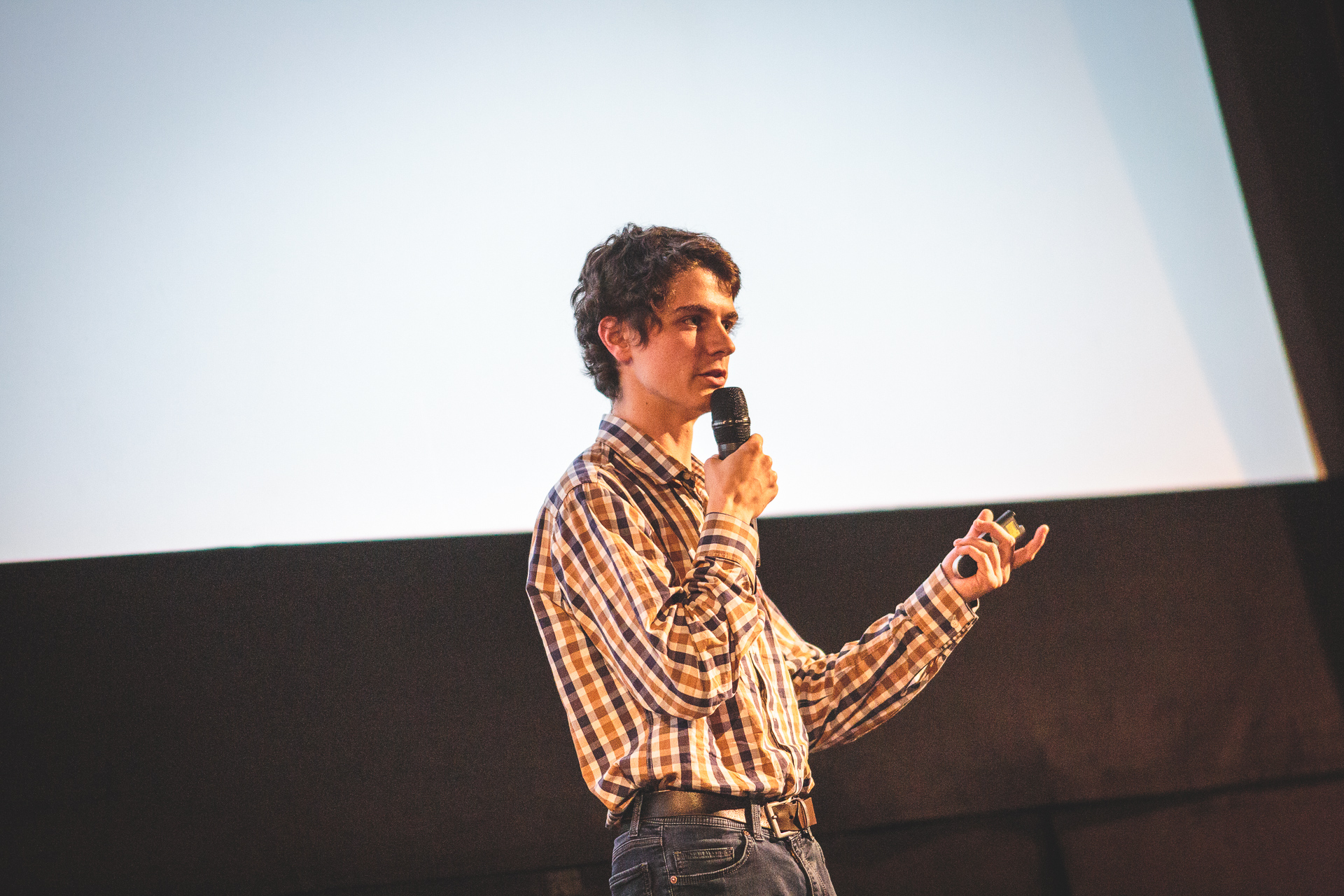
10) No more than 5 words per slide.
Everytime you put a long sentence on your slides, the audience has to make a choice: listen to you or read the slides. They will stop listening to you and read the slide because it is easier and you will lose the people in the room. Extra point for no words at all.
11) Use animations for multiple sentences.
If you must use multiple sentences on one slide, use animations to bring them up as you speak.
12) Go easy on your audience’s brain and use silences.
Give your audience time to process and comprehend what you’re saying by using silences strategically. This is not a race.
13) Repetition is key.
Repetition can help highlight key points in your presentation. Repeating something, even if it is not a whole sentence but one point of a sentence will help you highlight it. For example, you could say, “Since I started talking, 17 people have died of hunger somewhere in the world.” “17 people!”
14) Address obvious objections.
Show your audience that you care about their thoughts and concerns by addressing obvious objections. Do not hesitate to use a sentence like “At this stage, I know what you are thinking. You are thinking that…“. First it shows you have empathy which will make your audience like you even more. Second, it shows you are not oblivious about objections.
15) Highlight key takeaway.
If there’s one thing you want your audience to remember, state it clearly. Use a sentence like “If there is one thing I want you to remember about this presentation, it is that …“
16) Give yourself extra time.
When preparing your presentation, give yourself an extra 30 seconds to speak slowly and allow for silences. Sometimes silence can be more important than words. If you have only 3 minutes to pitch, write a script that will take 2 minutes and 30 seconds to read in your head (because you read faster in your head than live on stage).
17) End with a clear call to action.
Repeat your company logo and your name on your last slide. Add your email address and have a clear call to action such as “Contact me if you want to learn more.“
18) Enjoy the moment.
Remember that presenting is an opportunity to teach and inspire others. Enjoy the attention and the fact that you’re sharing something new with the world.
19) Smile and add humor.
A smile and a touch of humor can help you connect with your audience and make your presentation more memorable.
20) Start with the script, not the slides.
When preparing your pitch, first write the script to fit the timing. Once you’re happy with the wording, highlight the words and phrases that best illustrate your message. Then, use these highlights to guide your creation of PowerPoint slides. Simply copy/paste the highlighted parts into slides. Make sure to have one set of highlighted keywords per slide. Therefore if you highlighted 10 sentences, you now have 10 slides. Next try to replace the words with visuals instead wherever possible. Just be sure to use images that you have the rights to or that are in the public domain. Add the first and last slide (Company logo and your name). Done!
Last but not least, practice, practice, practice by reading your script while moving from one slide to the other. Your brain will slowly start to associate a slide and your script and in no time you will have memorised your presentation like a pro!
By following these tips, you’ll be well on your way to delivering a compelling presentation that leaves a lasting impression. Remember to stay confident, be yourself, and enjoy the experience!